 IncomeBox
An expense tracker that never asks for your bank login
Many money apps want to connect to your bank and store your data on their servers. IncomeBox doesn’t. You enter what you spend, and it stays in a private database on your phone.
Free to start. Your data stays on your device.
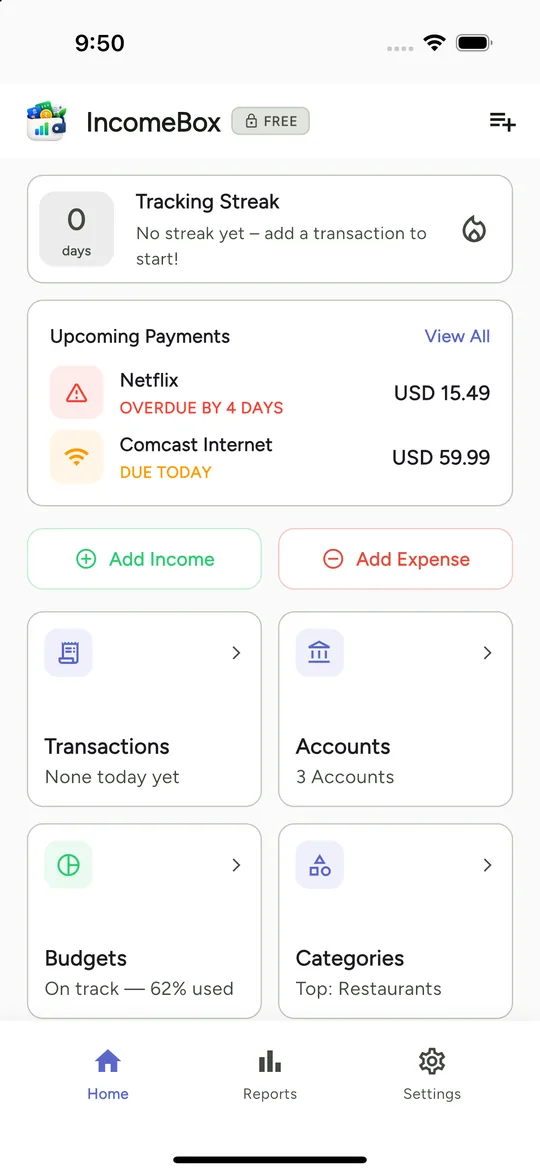
How IncomeBox helps
Data stays on your device
Your accounts, transactions and budgets live in a local database. We don’t run a server that stores your financial records.
Use it as a guest
No sign-up is required. Signing in with Google or Apple is optional and only enables backup.
Backup you control
Optionally back up to your own Google Drive or iCloud, where we can’t read it, and restore on a new phone.
Questions
Does it need an internet connection?
Adding and viewing your transactions does not depend on a connection, because your data is on your device.
Can I lock the app?
Yes. You can protect it with Face ID, Touch ID or a fingerprint.
What about ads?
The free version shows occasional ads. Pro removes them. Read the privacy policy for details.
Related guides
Take control of your money, in any currency
Free to start. Your data stays on your device.